
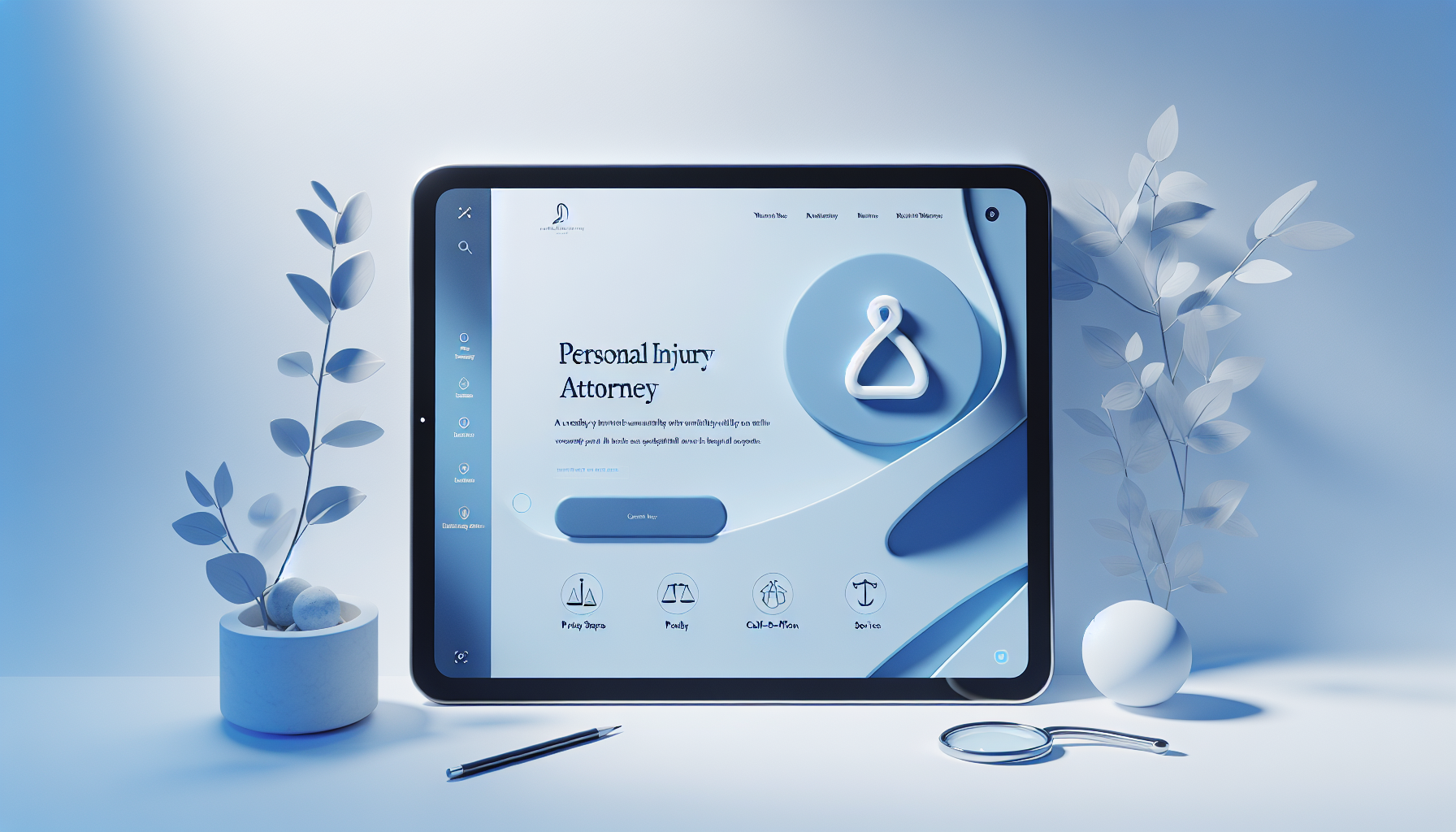

Are you aiming to grow your personal injury practice without the headaches of building a website from scratch?
Turnkey Personal Injury Attorney Website For Sale — No Setup Hassle
You’re about to discover a turnkey website solution designed specifically for personal injury attorneys. It’s built to help you generate more qualified leads, establish authority, and convert inquiries into case opportunities—without you needing to manage the technical setup or ongoing maintenance. This guide walks you through what a turnkey site is, what you’ll get, how it benefits your practice, and what to expect during the ownership transfer.

What is a turnkey personal injury attorney website?
A turnkey website is a complete, ready-to-launch online system that comes with a professionally designed site, pre-written content tailored to the practice area, built-in lead capture, technical infrastructure, and often ongoing updates. For a personal injury attorney, a turnkey solution means you can go live with a site that speaks directly to potential clients, demonstrates your expertise, and helps you start capturing inquiries almost immediately.
You don’t need to hire a designer, hire a content writer, arrange hosting, or wrestle with ongoing SEO setup. Everything is packaged to get you online, in a compliant and search-friendly way, with a clear path to turning visitors into clients. Below, you’ll find a detailed breakdown of what makes a turnkey site valuable for you as a practitioner and how the process works from start to finish.
Why a turnkey site makes sense for your practice
If you’re wondering whether a turnkey site is the right fit, consider these practical realities:
- Time savings: You can be online and actively generating leads faster than with a custom-build timeline.
- Consistency and credibility: A professionally designed site with attorney-focused copy helps you project authority and trust.
- ROI clarity: With built-in conversion tools and optimized content, you have a stronger chance of turning traffic into inquiries.
- Compliance and risk management: The content and structure are aligned with professional ethics guidelines and consumer protection considerations.
With a turnkey solution, you’re not just purchasing a website—you’re acquiring a scalable platform that supports your marketing and client intake efforts from day one. The result is a smoother onboarding for new cases and less friction in your marketing workflow.
What you get with a turnkey personal injury site
When you purchase a turnkey site for your practice, you’re getting a comprehensive package. The exact components can vary, but a thorough turnkey offering typically includes:
- A professionally designed, mobile-responsive website tailored to personal injury practice areas (car accidents, slip and falls, medical malpractice, product liability, etc.).
- Attorney-specific content that speaks to potential clients’ questions, concerns, and decision-making criteria.
- Integrated lead capture and contact forms, with optional appointment scheduling and click-to-call features.
- Built-in SEO foundations, including keyword-optimized pages, meta data, and schema markup.
- A robust content management system (CMS) with an intuitive editor to make updates without needing a developer.
- Compliance and privacy features, including terms of service, privacy policy, ADA considerations, and disclaimers.
- Basic analytics and reporting dashboards so you can monitor traffic and conversions.
- Ongoing security updates and performance optimization to keep the site fast and safe.
- Optional ongoing maintenance packages or easy upgrade paths to scalable enhancements.
- A smooth transfer of ownership and all necessary credentials when you finalize the purchase.
To help you visualize what this means in practice, here is a concise comparison of features and the corresponding benefits you can expect.
Features vs. benefits: a quick reference table
| Feature | What it delivers for you |
|---|---|
| Prewritten, attorney-focused content | Speaks directly to prospective clients, reducing the time you spend on copy and ensuring topics align with words clients use when seeking help. |
| Mobile-responsive design | Your site looks and works great on phones and tablets, which improves user experience and SEO signals. |
| Lead capture forms and appointment scheduling | Increases your chances of converting visitors into inquiries and potential clients. |
| SEO-ready structure and schema markup | Helps search engines understand your content and improves visibility for relevant searches. |
| Compliance and privacy components | Reduces risk by providing necessary legal disclosures and safeguarding client information. |
| CMS accessibility for updates | Lets you modify content, publish new pages, or adjust calls to action without tech support. |
| Analytics and reporting | Lets you measure which pages drive inquiries and how visitors navigate your site. |
| Security and performance optimization | Keeps your site fast and protected from common threats, preserving client trust. |
Design, branding, and user experience considerations
A turnkey site for personal injury should strike a balance between professional branding and practical user experience. You want a design that:
- Reflects your law firm’s personality and values.
- Communicates your areas of expertise clearly and succinctly.
- Guides visitors toward action with clear calls-to-action.
- Ensures readability with accessible typography and contrast.
In practice, you’ll see color palettes, typography, and layouts chosen to convey trust, authority, and approachability. The user journey is mapped to maximize the likelihood that a visitor becomes a lead, an inquiry, or a scheduled consultation. The site will typically feature dedicated pages for each major practice area, a page that outlines your experience and credentials, client testimonials, and a transparent contact mechanism.
Content strategy: building authority and relevance
Content is central to your turnkey site’s effectiveness. You’ll typically receive:
- Practice-area pages that explain each service in plain language, with layperson-friendly explanations of the legal process.
- Frequently asked questions tailored to personal injury cases.
- High-quality blog posts or resource pages addressing common client concerns (damages, timelines, costs, settlement versus litigation considerations).
- Attorney bios and credibility signals (case results, certifications, bar admissions, years of practice).
- Calls to action placed strategically throughout the site, encouraging inquiries and consultations.
A well-structured content strategy helps your site appear in searches related to your practice areas while also supporting conversions. The content is designed to be both informative for readers and friendly for search engines.
SEO foundations you’ll gain with a turnkey site
A turnkey solution is typically optimized out of the box for search performance, with room for ongoing optimization as you grow. Expect:
- Keyword-optimized core pages, including title tags, meta descriptions, header structure, and internal linking.
- Rich snippets and structured data (schema) for business details, local information, and articles.
- Local SEO readiness, including location pages and optimization for city-based searches.
- Clean, crawl-friendly URL structures and fast-loading pages.
- Ongoing SEO recommendations or optional ongoing services to maintain momentum.
This foundation makes it easier to rank for relevant terms and attract people who are actively seeking help for their injuries.
Lead generation and conversion tools built in
A key advantage of a turnkey site is its built-in capability to capture and convert inquiries. Expect these tools:
- Contact and inquiry forms with customizable fields to capture essential information (name, phone, email, location, brief description of the incident).
- Appointment scheduling integration that allows clients to book consultations directly.
- Click-to-call buttons that enable phone contact with a single tap on mobile devices.
- Live chat or chat widget options for real-time engagement, when appropriate.
- Case intake checklists to streamline initial consultations and gather pertinent information upfront.
- Clear value propositions and risk-free consultation offers to reduce friction.
Together, these tools help you convert more visitors into meaningful conversations and potential clients.
Compliance and professional standards
As you acquire a turnkey site, you’ll want reassurance that it aligns with professional ethics and consumer protection expectations. Look for:
- Clear disclaimers about legal advice vs. information.
- Privacy policy and data handling practices that comply with relevant laws.
- Accessibility considerations (ADA compliance) to ensure access for all users.
- Transparent billing and fee disclosures as applicable.
- Accurate representations of experience, outcomes, and certifications.
A reputable turnkey solution will provide templates and guidance to keep your site compliant while preserving persuasive communication.
Customization options and limits
Even though you’re buying a turnkey site, you still gain some flexibility to tailor branding and content to your practice. Typical customization options include:
- Branding changes (logo, color schemes, fonts) to align with your firm.
- Page-level edits and content updates via the CMS.
- Adjustments to calls to action, contact forms, and appointment scheduling rules.
- Reordering sections or adding new practice areas or resources.
- Adding or updating testimonials, case studies, and attorney bios.
There are, of course, pragmatic limits. Highly customized features or complex development work might require additional time or a separate engagement. If you anticipate needing substantial customization, discuss scope and timelines during the buying process to ensure expectations are aligned.
How the deployment and transfer of ownership work
The path from purchase to live site typically follows these steps:
- Initial discovery: You confirm the scope, practice areas, and any must-have features.
- Review and customization planning: The provider tailors content and visuals to your branding and locality.
- Pre-launch checks: The site is tested for responsiveness, forms, analytics, and performance.
- Ownership transfer: All credentials (hosting, CMS login, domain access, and any admin accounts) are transferred with proper documentation.
- Final review and go-live: You review the live site, confirm functionality, and sign off.
A clear transfer process helps you move from purchase to operation smoothly, with minimal downtime. It’s common to have a short handover call or documentation package that summarizes how to manage updates, monitor performance, and contact support.
Practical timeline: what to expect
While every project has its specifics, you can expect a typical turnkey deployment to follow a manageable timeline such as:
- Week 1: Discovery and planning, including branding decisions, practice-area coverage, and preferred features.
- Week 2–3: Content finalization, page creation, and initial SEO setup.
- Week 3–4: Design alignment, form integration, and local configuration (business addresses, contact details).
- Week 4–5: Technical testing, analytics setup, and accessibility checks.
- Week 5: Ownership transfer, final review, and go-live.
Knowing the approximate schedule helps you plan your marketing launch and client outreach so you can start generating inquiries as soon as possible.
Pricing, value, and ownership models
Turnkey solutions come with a range of pricing models. Common options include:
- One-time purchase with optional maintenance or updates.
- Annual or monthly maintenance plans for ongoing updates, security, and content additions.
- Tiered packages that provide different levels of customization, SEO support, or content volume.
A typical value proposition centers on time saved, faster go-to-market, and the ability to start generating inquiries immediately. When evaluating pricing, consider:
- The scope of pages and practice areas included.
- The breadth of SEO and local optimization components.
- The level of ongoing support and updates.
- The ease and cost of transferring ownership to you.
In practice, you’ll want a straightforward agreement that clearly outlines what’s included at launch and what ongoing services, if any, you’ll need down the line.
Ownership transfer and data security
Data security and a clean ownership transfer are essential. You’ll want:
- Full admin access to the CMS and hosting environment.
- Ownership of the domain and domain-related credentials (registrar account).
- Access to analytics accounts (Google Analytics, Google Search Console) with ownership rights.
- Clear documentation on how to manage updates and maintain compliance.
- A post-purchase support window to address any issues that arise after go-live.
A responsible turnkey provider will present a formal transfer checklist. You’ll receive all necessary credentials, warranties, and terms of service that protect your rights as the new owner.
Maintenance, updates, and ongoing improvement
Maintenance is a key consideration. You can opt into maintenance plans that cover:
- Security patches and software updates for CMS and plugins.
- Performance optimizations to keep page load times fast.
- Content updates to reflect changes in your practice or new case types.
- Regular backups and disaster recovery planning.
- Ongoing SEO adjustments based on performance data.
- Accessibility checks to ensure continued compliance.
If you prefer to handle updates yourself, you can often negotiate a reduced maintenance plan or a self-managed variant. The important part is that you have a clear path for updates and a reputable support channel when you need help.
Case expectations: what you can expect in results
Every law practice is unique, but a well-executed turnkey site should deliver:
- Improved organic visibility for target practice areas and local markets.
- Higher-quality inquiries due to targeted messaging and clear calls to action.
- Stronger credibility due to attorney-focused content and professional design.
- Efficient intake processes that reduce friction and accelerate consultations.
- Measurable performance improvements through analytics and conversion data.
While results depend on multiple factors, a turnkey site provides a solid foundation for sustainable online growth and client development.
Migration considerations: moving from an old site
If you already have a site and are moving to a turnkey solution, plan for:
- Content migration: Porting over core pages, practice areas, and blog posts where relevant.
- 301 redirects: Preserving search engine equity by mapping old URLs to new ones.
- Domain handling: Ensuring seamless domain routing and SSL continuity.
- Analytics and tracking: Migrating or reconfiguring analytics accounts to maintain data continuity.
- Brand alignment: Maintaining consistency in branding during the transition.
A careful migration plan minimizes disruption to your traffic and preserves your SEO value while giving you the benefits of a fresh, turnkey system.
Frequently asked questions
- Is a turnkey site right for a brand-new practice? Yes, especially if you want a fast path to lead generation and a professional online presence from day one.
- Can I customize content after purchase? Most turnkey packages allow ongoing content edits and updates through a user-friendly CMS.
- What about compliance requirements? You should receive templates and guidance for disclosures, privacy, and accessibility. Always review these to ensure they align with your jurisdiction’s rules.
- How long does it take to see results? SEO and lead generation results vary, but many practices begin seeing initial improvements within a few weeks to a few months, depending on competition and content quality.
- What if I need additional features later? Plugins, integrations, or custom modules can often be added, with scope and cost defined upfront.
Real-world considerations: how to assess a turnkey offer
When evaluating a turnkey site for sale, consider the following:
- Specific practice-area coverage: Ensure the site includes pages for your core areas and local targets.
- Quality of content: Look for thoughtful, attorney-appropriate copy that explains legal concepts in plain language.
- Evidence of conversion optimization: Check for clear calls to action, strategically placed forms, and mechanisms to book consultations.
- Compliance safeguards: Verify the availability of required disclaimers, privacy notices, and accessibility considerations.
- Transfer readiness: Confirm you’ll receive complete credential control, domain access, and support for a clean handover.
- Ongoing support options: Understand what maintenance, updates, and feature additions cost and what is included.
A thoughtful assessment helps you determine whether the turnkey option aligns with your marketing goals, timeline, and budget.
Implementation checklist for you
To help you move efficiently from decision to live site, here’s a practical checklist you can use:
- Define your target practice areas and local focus.
- Audit content for accuracy, tone, and readability.
- Confirm the availability of a clean transfer and all required credentials.
- Review the proposed page structure and ensure alignment with your firm’s branding.
- Set up Google Analytics and Search Console accounts, or request ownership transfers.
- Plan an initial content refresh schedule to align with your marketing calendar.
- Schedule onboarding calls with support to go over updates, content edits, and reporting.
- Establish a baseline for lead metrics (inquiries per week, appointment bookings, etc.).
- Confirm security and backup procedures and ensure SSL is in place.
- Create a plan for ongoing SEO and content expansion.
This checklist helps you stay organized and ensures you’re optimizing the turnkey investment for maximum return.
Final thoughts: making the choice that fits your goals
A turnkey personal injury attorney website offers a clear path to online visibility, client inquiries, and a professional digital presence without requiring you to manage every moving part yourself. If you want speed to market, a polished design, reliable lead capture, and a foundation for scalable online growth, a turnkey solution can be a compelling option.
By choosing a turnkey site, you’re not just buying a digital storefront; you’re investing in a platform that works in harmony with your marketing and client intake efforts. You’ll benefit from a site that speaks to potential clients in their language, promotes your qualifications with credibility, and guides visitors toward action with clear, well-placed calls to contact you for a consultation. Over time, this can translate into more qualified inquiries, better conversion rates, and a stronger presence in your local market.
If you’re ready to take the next step, consider these practical steps to initiate the process:
- Gather your branding assets (logo, color palette, fonts) and determine your preferred stylistic direction.
- Define your target practice areas, geographic focus, and any distinguishing features (settlement history, trial experience, notable verdicts).
- Outline your primary calls to action (free consultation, case review, or case evaluation) and how you want to present them on key pages.
- Decide on how you want to handle appointment scheduling and intake—whether you want a calendar integration, a live chat option, or a combination of both.
- Prepare a list of must-have pages (home, about, practice areas, testimonials, contact) and any additional resources or FAQs you want to include.
- Confirm ownership transfer requirements and the timeline for go-live so you can align marketing campaigns with your new site.
As you review turnkey options, you’ll want a partner who can deliver not only a ready-to-launch site but also ongoing support that helps you grow. A thoughtful, well-executed turnkey solution gives you the technology foundation, the content framework, and the conversion-focused structure you need to attract more clients and serve them effectively.
If you’d like, I can help you compare specific turnkey offerings, evaluate their content quality, and assess how well each option aligns with your practice goals. I can also help you draft questions for vendors about transfer timelines, support levels, and future upgrade paths so you can make a confident decision that fits your budget and growth objectives.











0 Comments